Pursue your passions
Explore majors & careers
Week 11: Explore majors & careers
Student tips
Pursue your passions.
- Explore your options: Visit the Discovery Center to learn how your interests and strengths connect to potential majors and career paths.
- Connect with your advisor: Discuss your academic goals, explore degree options and plan your next steps.
- Get hands-on experience: Explore internships, volunteer opportunities and jobs to discover what interests you.
- Try undergraduate research: Connect with faculty or the Office of Undergraduate Research to gain experience in your field.
- Consider the Graduate School: Research advanced degree programs and how they align with your future career goals.
- Build your network: Connect with professors, alumni and professionals to learn about career paths and opportunities.
- Explore career resources: Visit the Career Center for help with career exploration, résumés, internships and job searches.
- Plan your next semester: Explore courses in Stellic that align with your interests and prepare for spring registration.
- Stay open to possibilities: You don’t need to have everything figured out. Use new experiences and conversations to discover what works for you.
Important Dates:
- Friday, Nov. 20. Registration times end for Spring 2027
- Monday, Dec. 7. Last day to withdraw from a course for Fall 2026
Top Roary questions of the week
- Where are the printers located/is there a page limit for printing?
- We offer Print Anywhere, which allows Tigers to print to any network-connected printer. Undergraduates are issued $17.50 print allowance per semester. Find more information here doit.missouri.edu/services/printing.
- I’m struggling financially. What financial resources are there for me?
- If you experience a hardship or any other special circumstance, your financial aid can be reevaluated. Find more information at financialaid.missouri.edu/receiving-…rcumstances and financialaid.missouri.edu/applying-f…ergency-aid.
- I need help getting involved.
- You can meet with an Involvement Ambassador. They can help you explore opportunities that fit your interests and make sure you’re getting the most out of them.
- Schedule a consultation: mizzou.us/involvementambassador.
- You can also find campus events and clubs here: engage.missouri.edu
- And Mizzou’s Resource Centers may be helpful for community, advocacy, and support.
- You can meet with an Involvement Ambassador. They can help you explore opportunities that fit your interests and make sure you’re getting the most out of them.
Do you love your major?
Time to explore
Still deciding on a major? Want to try a different path? The Discovery Center helps you explore your interests, discover your strengths and connect your academic goals with future career opportunities. Meet with an advisor to explore your options and create a plan that fits your path to success at Mizzou.

Explore your options and find your path
Not sure about your major or career plans?
There are more than 300 degree programs at Mizzou, so if you haven’t found your perfect fit, you’re far from alone. Exploring is one of the top majors for incoming students!
- Visit a Discovery Center advisor to begin exploring your interests and options.
- Visit the Career Center for coaching services, insight into your interests and professional strengths and help with your resume, cover letter, interview practice, headshots and more.
- Check out more than 16 programs featured during National Career Development Month, intended to help you build skills, confidence and career goals!

Connect your interests to your goals as you plan for your spring schedule.
Registration is here!
As you plan for the future, explore majors that match your interests and career goals. Review your degree audit in Stellic, explore courses and build your schedule for spring registration. Watch your email for your assigned registration time beginning Oct. 28, and check myZou for enrollment holds so you’re ready to registe

Connect with your advisor
Find your path with advising
Meet with your academic advisor to explore your interests, discuss your goals and identify courses and opportunities that align with your future plans.

Explore graduate programs
Want to pursue graduate school?
Thinking about graduate school? Explore programs that align with your interests and career goals. Connect with faculty, research admission requirements and application timelines and consider how an advanced degree can help you take the next step toward your future career.

Undergraduate research
Discover research opportunities
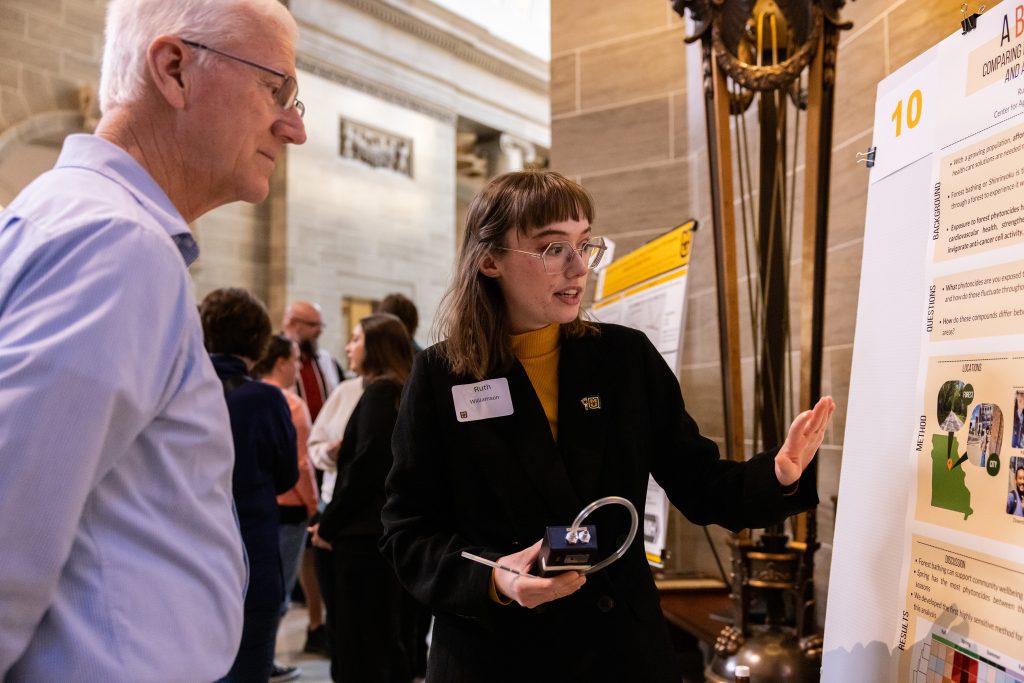
Discover how your interests connect to real-world questions by getting involved in undergraduate research. Conduct undergraduate research to refine the skills all employers are seeking: critical thinking, communication and teamwork!
Faculty & Staff Toolkits
Weekly toolkits are available for faculty and staff to communicate what Tigers need to know. Toolkits include:
- Horizontal LED
- Vertical LED
- PPT slide
- Messaging
Stories

TRiO Student Support Services (SSS): More than just support
By: Sophie Geppert TRiO Student Support Services (SSS) help students find their community through the many programs they offer by creating a supportive space for first generation, low income and/or students with documented disabilities here at Mizzou and encouraging them to…
Digging into the past: Mizzou field school gives students hands-on archaeology experience
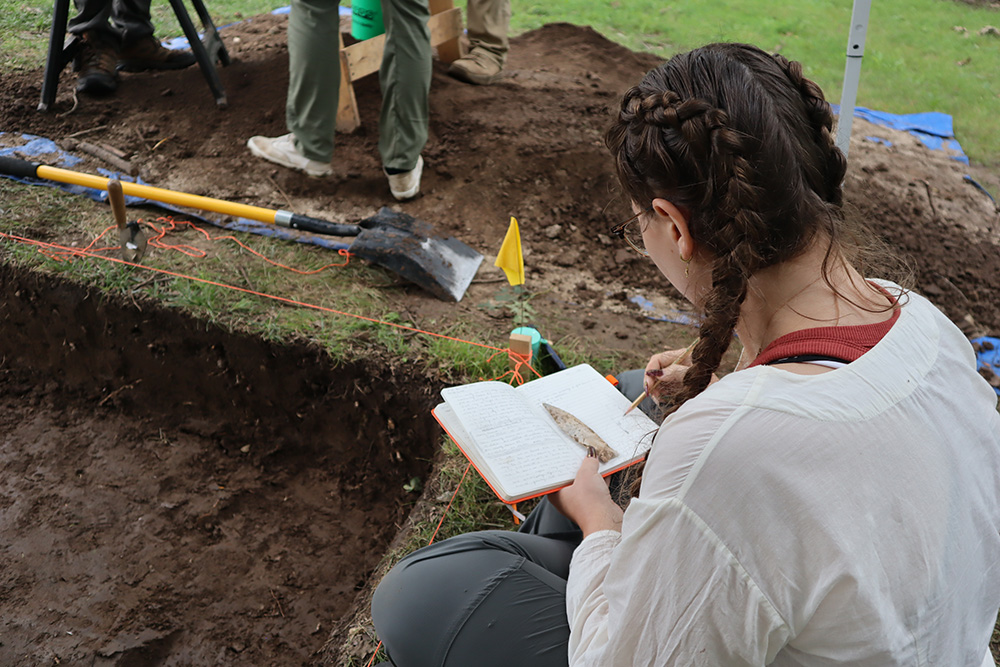
By: Elizabeth Trower For four weeks this summer, University of Missouri students traded classrooms for the great outdoors, getting their hands dirty while uncovering thousands of years of Missouri history. Led by professors, Todd and Christine VanPool, both professors in…

ForagerOne fosters summer research partnership at Mizzou
by Jade Elwess and Elizabeth Barton The Summer Research Exposure Program (SREP) through the College of Arts & Science pairs students with faculty mentors for a nine-week program, giving them valuable experience as research assistants. Nicole Campione-Barr, professor in the…